Multidimensional Assessment Engine
Multidimensional Assessment Engine: ESGETC Framework
What is ESGETC?
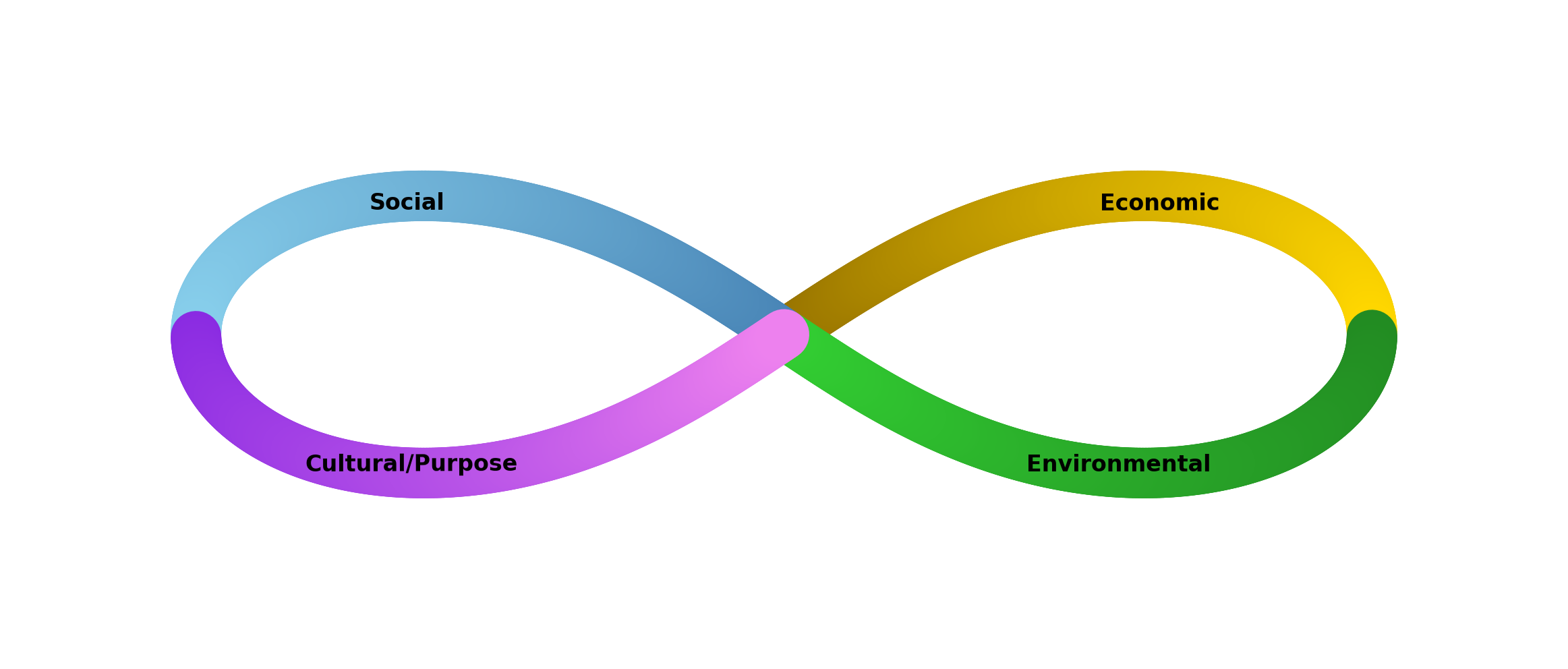
ESGETC is a comprehensive six-dimensional assessment framework that evaluates organizational sustainability performance across all critical business and social dimensions:
- E = Economic
- S = Social
- G = Governance
- E = Environmental
- T = Technological
- C = Connectedness
Unlike traditional one-dimensional approaches, ESGETC provides holistic measurement that reveals trade-offs, synergies, and systemic impacts.
Why Six Dimensions?
Standard ESG is Incomplete
Traditional ESG (Environmental, Social, Governance) focuses on risks and compliance. It misses:
- Economic performance - Business viability and stakeholder livelihoods
- Technology - Digital inclusion, cybersecurity, innovation capability
- Connectedness - Network effects, collaborative capacity, stakeholder alignment
The ESGETC Advantage
| Dimension | Covers | Impact |
|---|---|---|
| Economic | Job creation, income, local value, financial stability | Business viability + stakeholder livelihoods |
| Social | Equity, health, safety, participation, cultural respect | Community well-being + inclusion |
| Environmental | Climate, resources, biodiversity, waste, resilience | Planetary boundaries + ecosystem services |
| Governance | Transparency, accountability, ethics, stakeholder voice | Legitimacy + effectiveness |
| Technological | Digital infrastructure, cybersecurity, innovation, tools | Capability + competitive edge |
| Connectedness | Network density, collaboration, information flow, integration | Scale + systems thinking |
The Assessment Process
Step 1: Baseline Assessment (30-45 minutes)
Answer 31-37 framework questions covering all 6 dimensions:
Section A: Environmental (5 questions) Section B: Social (5 questions) Section C: Governance (5 questions) Section D: Economic (5 questions) Section E: Technology (5 questions) Section F: Connectedness (6 questions) ⭐ Section G: Meta-Weighting (Optional)
- Stakeholder Weights: Incorporate community input on what matters most
- Sector Weights: Industry best-practice weightings
- Adjustment: Weights can be modified per assessment cycle
Scoring
Raw data transformed to 0-100 scale:
- 0-20: Critical (immediate action required)
- 21-40: Poor (significant improvement needed)
- 41-60: Moderate (improvement opportunity)
- 61-80: Good (strong performance)
- 81-100: Excellent (best-in-class)
Normalization
Data from different units (kg CO₂e, employees, USD) harmonized:
- Converts to common scale
- Adjusts for organization size/context
- Enables cross-dimensional comparison
5.4 Adaptive Algorithms & Contextualization
The engine adapts based on:
- Organization Type: Nonprofit, corporate, government, SME
- Sector: Agriculture, tech, financial services, manufacturing, etc.
- Geography: Climate, regulatory environment, socioeconomic context
- Scale: Startup, mid-size, enterprise
- Maturity: First-time assessment vs. multiyear tracking
Example: Environmental scoring for a tech company (low-carbon manufacturing) differs from mining company with same absolute emissions due to sector context.
5.5 Customizing Assessment Models
Create organization-specific assessments:
- Go to Assessments → Assessment Templates
- Select Create New Template or duplicate existing
- Configure Dimensions:
- Enable/disable specific dimensions
- Adjust relative weights
- Set scoring thresholds
- Add Indicators:
- Select from library or add custom indicators
- Define data collection method
- Set targets and benchmarks
- Set Organization Context:
- Geographic scope
- Relevant SDGs
- Stakeholder groups
- Planning timeframe
- Save & Share: Make available to team members
5.6 Benchmarking & Comparative Analytics
Compare performance across:
- Time Series: Track improvement over multiple assessment cycles
- Peer Comparison: Anonymous benchmarking against sector peers
- Best-in-Class: Compare to industry leaders
- Geographic Standards: Compare to regional averages
- Targets: Monitor progress toward set goals
Benchmarking Report includes:
- Your score vs. peer median and range
- Dimension breakdown comparison
- Areas of relative strength and weakness
- Recommended improvement priorities
- Projected trajectory if trends continue
Access via Analytics → Benchmarking after each assessment cycle.
Next: Learn about Engagement Tools to collect stakeholder input and build support for actions.